 Guides
SEO with AI: Connect an AI Assistant to Search Console
A practical guide to SEO with AI: why an assistant needs live access to your data, how MCP connectors work, what to ask it, and how to automate the reports.
10 min read
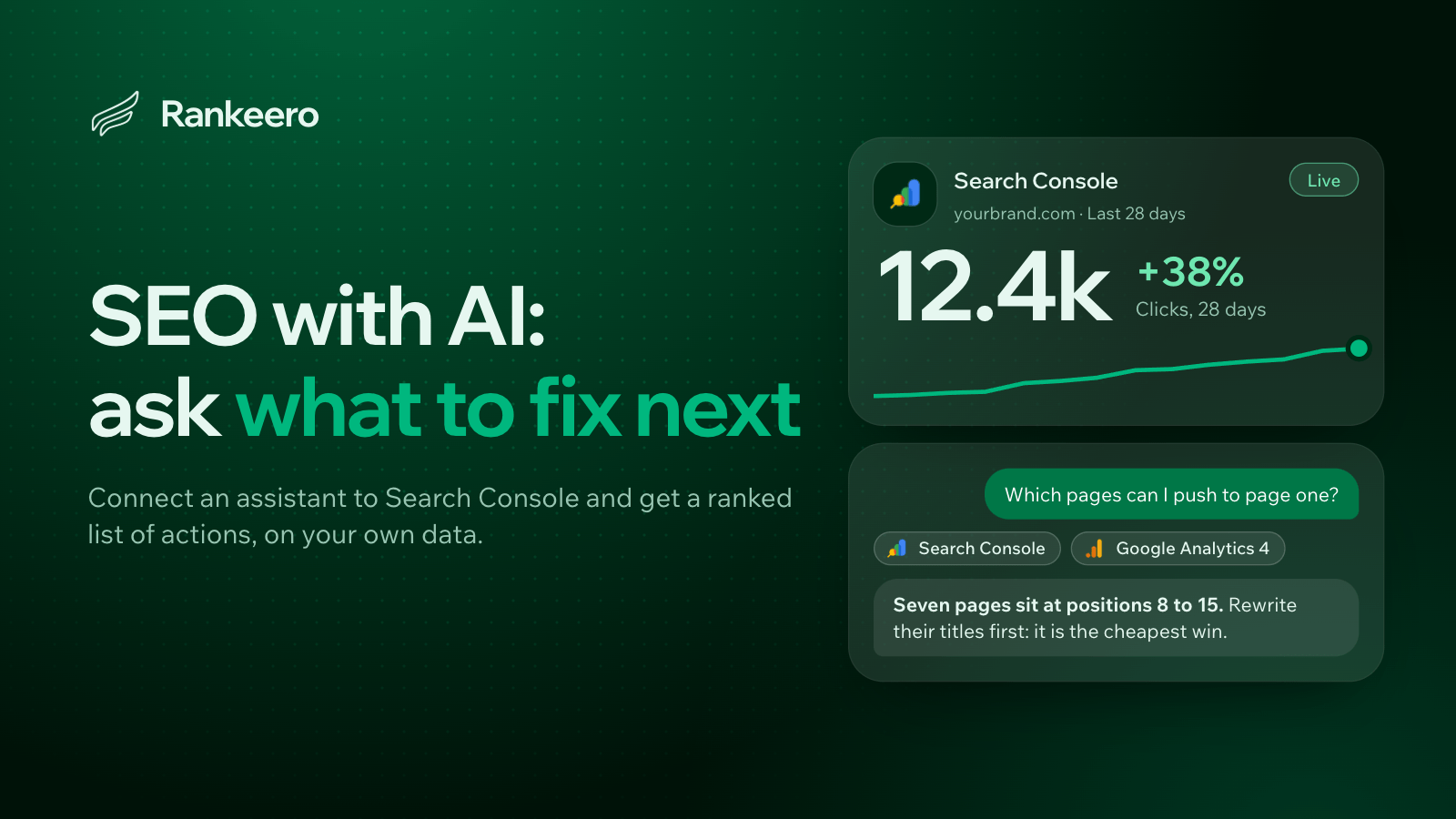
The short answer: an AI assistant is only as useful for SEO as the data it can read. Used on its own, it gives generic advice. Connected to your Google Search Console and Google Analytics through an MCP connector, it can analyze your real queries and pages, rank the fixes, and repeat the work on a schedule.
This guide covers the whole picture: why the connection matters, how it works, which assistants you can use, what to ask, how to automate it, and where AI still falls short. Detailed walkthroughs for each assistant are linked at the end.
Why a chat window alone is not enough for SEO
Ask any AI assistant "how do I improve my SEO?" and you will get a sensible list: write better titles, improve page speed, build internal links, target long-tail keywords. It is not wrong. It is also the same list everyone gets.
SEO decisions depend on your numbers:
- Which queries you already rank for, and at what position.
- Which pages get impressions but few clicks.
- Which pages used to bring traffic and stopped.
- Whether the visitors you win actually convert.
You can copy that data into a chat by exporting a CSV from Search Console, but that approach breaks down fast. Exports are capped and static, you repeat the work every time you want an update, and joining Search Console with Analytics by hand is tedious. The assistant ends up reasoning about a snapshot that is already out of date.
The better approach is to let the assistant query the data itself, live, and then do what it does best: read a large table, spot the pattern, and explain what to do about it.
How an assistant gets access to your SEO data
The standard that makes this possible is MCP, the Model Context Protocol. It is an open protocol that lets an AI assistant call external tools in a structured way. Think of it as a universal plug: the assistant is the client, and a connector (an MCP server) exposes a set of tools.
For SEO, a connector exposes tools such as "list my top queries", "compare two periods", "inspect this URL" or "run a PageSpeed audit". When you ask a question in plain language, the assistant decides which tools to call, reads the results, and answers.
In practice, connecting looks like this:
- Add the connector. You paste the connector's URL into your assistant's settings (or run one command in a terminal, for coding agents).
- Sign in. You authorize with your Google account, so the connector can read your Search Console and Analytics properties.
- Choose what to expose. You pick the sites and properties the assistant may read.
- Ask. You describe what you want in plain English.
Rankeero is one connector built specifically for this. It groups your sources by site (a Search Console property, a GA4 property and so on) so the assistant can cross-reference them, and it adds tools for indexing checks, page speed and PDF reports. The principle, though, is the same whichever connector you choose.
Sources Search Console and PostHog flow through Rankeero to your AI assistant for your website.

Search Console is open today. Google Analytics 4 and Gmail are coming soon, while Google verifies the app, so the Analytics joins and the emailed reports described below apply as they open.
Which assistants can you use?
Any assistant that supports MCP connectors can work. They fall into two families, and the difference mostly affects the setup, not the analysis:
| Family | Examples | How you connect |
|---|---|---|
| Chat assistants | Claude, ChatGPT | You add a custom connector in the app's settings by pasting its URL. |
| Coding agents | Claude Code, Codex | You register the connector with a command in a terminal. |
Rankeero is verified with all four, and other MCP-compatible assistants may work too. A few practical notes:
- Plan requirements. Depending on the assistant, custom connectors may require a paid plan. Check yours before you start.
- Pick the one you already use. The analysis quality comes mostly from the data and the tools, not from the brand on the chat window. The best assistant for SEO is usually the one you are already comfortable working in.
- Chat for analysis, terminals for action. If you also edit your site's code, a coding agent can read the SEO analysis and apply changes (titles, metadata, structured data) in the same session.
Each assistant has its own setup steps, scheduling feature and quirks. We cover them one by one in dedicated guides, starting with how I optimized my SEO with Claude.
What to ask: the SEO jobs an assistant does well
Once connected, these are the jobs where an assistant saves the most time. Each one is a plain-language request, not a dashboard you have to learn.
Understand what changed
"Compare the last 28 days with the previous 28 and explain what grew and what dropped."
The assistant compares two periods and surfaces the biggest gainers and losers, with the queries and pages behind them. You can also ask it to split branded from non-branded traffic, so you can see whether growth comes from people who already know you or from new visitors.
Find the quick wins
"Which queries rank between position 4 and 20, and which pages have a click-through rate far below what their position should get?"
These are queries on the edge of page one and pages with weak titles, the cheapest gains in SEO. A good connector estimates the upside, so the assistant can sort by potential clicks.
Spot hidden problems
"Where do two of my pages compete for the same query? Which pages lost the most traffic over the last few months, and why?"
Cannibalization (several pages splitting one query) and content decay (pages slowly losing clicks) are hard to see in the Search Console interface. An assistant can detect them and tell you whether to merge, redirect or refresh.
Plan content from real demand
"Group my queries into topics. Which topics are split across several pages, and what questions am I not answering?"
Instead of a generic keyword list, you get topics built from what Google already associates with your site, and briefs that include the gaps.
Check the technical basics
"Inspect these URLs: which are not indexed, which are blocked, and where does Google's canonical differ from mine? Then audit the page speed of my top landing pages."
Indexing status, sitemaps and Core Web Vitals (lab and real-user data) can all be checked in conversation.
Connect rankings to results
"Which Google organic landing pages actually convert, and which ones get traffic but no engagement?"
Joining Search Console with Analytics tells you which ranking wins are worth chasing and which are vanity.
Turn it all into priorities
"Build an SEO roadmap for the next month, ranked by impact and effort."
The most valuable output is not another report but a short, ordered list of actions with the evidence behind each. For a worked example of all of these steps on a real workflow, read the step-by-step Claude walkthrough.
Automating the work
A one-off analysis is useful. A recurring one is what actually keeps SEO on track, because rankings drift every week.
Most assistants can run a prompt on a schedule. You write the request once ("every Monday, compare the last 7 days with the previous 7, list the biggest movers, and pick the five best actions"), choose when it runs, and the assistant executes it using the connectors you have set up.
Two features turn that into a real reporting loop:
- PDF reports. The assistant writes the report as structured blocks (headings, key figures, tables, charts) and the connector lays it out in a clean, consistent style, with a download link.
- Email drafts. A Gmail connector can attach the PDF to a draft, so the report arrives in your inbox (or your client's) ready to review and send.
If you work with several clients, this is where the time savings are largest: one prompt template, many projects, a recurring report with recommendations already written.
Here is what one run looks like, from the check-up to the report sent by email (the Gmail step opens soon, as noted above):
Give me an SEO check-up of @mysite for the last 28 days vs the previous period: key figures, biggest winners and losers, any sudden drop, and the 3 best actions, explained simply.
How to choose a connector
Not all connectors are equal. These are the questions worth asking before you give anything access to your Google data.
- Whose account does it read through? The best option reads through the Google account you connect, rather than copying your data into another database.
- Does it separate reading from writing? Analysis should never change your property by accident. Writes, such as submitting a sitemap, should be a separate, explicit permission.
- Does it understand sites and clients? If you manage several brands, you want projects, each with its own sources, and the ability to compare across them.
- Does it combine sources? Search Console alone tells you about rankings. Search Console plus Analytics tells you about outcomes. Add page speed and indexing and you cover the full loop.
- What does it cost per question? Many connectors meter usage in credits or calls. Check how much a typical analysis consumes.
- Is it an official integration or a hack? Prefer a connector that signs in with standard OAuth, not one that asks you to paste secret keys into a chat.
Limits and good habits
AI is a very good analyst and a poor decision-maker. A few habits keep the work trustworthy.
- Verify before you publish. Treat the assistant's suggestions as drafts. Titles, briefs and priorities still need your judgment about brand, audience and goals.
- Check the numbers when they matter. Assistants can misread a table. For a figure you will report to a client, ask for the source query or open the data yourself.
- Know Google's data limits. Search Console keeps about 16 months of history, hides some queries for privacy (they appear as an anonymized remainder), and caps the rows each report returns. A new site with few impressions gives thin analyses.
- Estimates are ceilings. Click-gain figures show where the opportunity is. They are a way to rank work, not a forecast.
- The assistant does not edit your site. It tells you what to change. You, your CMS or a coding agent applies it.
- Backlinks are out of scope. Search Console and Analytics describe your on-site performance, not who links to you.
- Measure again. After you ship a change, ask the same question a few weeks later. The loop (look, fix, measure) is the whole method.
FAQ
Can an AI assistant do SEO for me?
It can do the analysis, find the opportunities and write drafts, but it needs live access to your data, and you decide what to publish. Think of it as a fast analyst, not an autopilot.
What is MCP, and do I need to understand it?
MCP is the open standard that lets assistants use external tools. You do not need to understand it to use it: you paste a URL, sign in, and ask questions.
Is it safe to connect Google Search Console to an AI assistant?
It depends on the connector. Look for sign-in through standard OAuth, access limited to the properties you choose, and a clear separation between reading and writing. Always read the connector's privacy policy. Rankeero's is here.
Which AI assistant is best for SEO?
The analysis depends mainly on the connector's tools and your data, so the best one is the assistant you already use daily. Claude and ChatGPT cover chat workflows, and Claude Code and Codex suit people who also edit their site's code.
Do I need to know how to code?
No. The chat assistants need no code: you add a connector and ask questions. Terminal setup for coding agents takes one command.
Can I use it for client work?
Yes, if the connector groups sources into projects. You can then keep each client separate, run the same analysis on each, and send recurring reports.
How is this different from a classic SEO tool?
Classic tools show you dashboards and leave the interpretation to you. An assistant connected to your data answers a specific question, explains the cause, and proposes the fix. The two complement each other: the assistant is strongest where you would otherwise spend hours cross-referencing tables.
Next steps
The fastest way to see the value is to try one analysis on your own site: connect an assistant, then ask it to compare the last 28 days with the previous period and list the queries closest to page one.
Get started with Rankeero, or see pricing. Then pick your assistant and follow its dedicated guide, starting with Claude.
Ask your AI assistant about your own data.
Connect Search Console, Google Analytics 4 and more to a workspace in under three minutes, then ask your first question.
Discover Rankeero