 Announcements
Rankeero is open
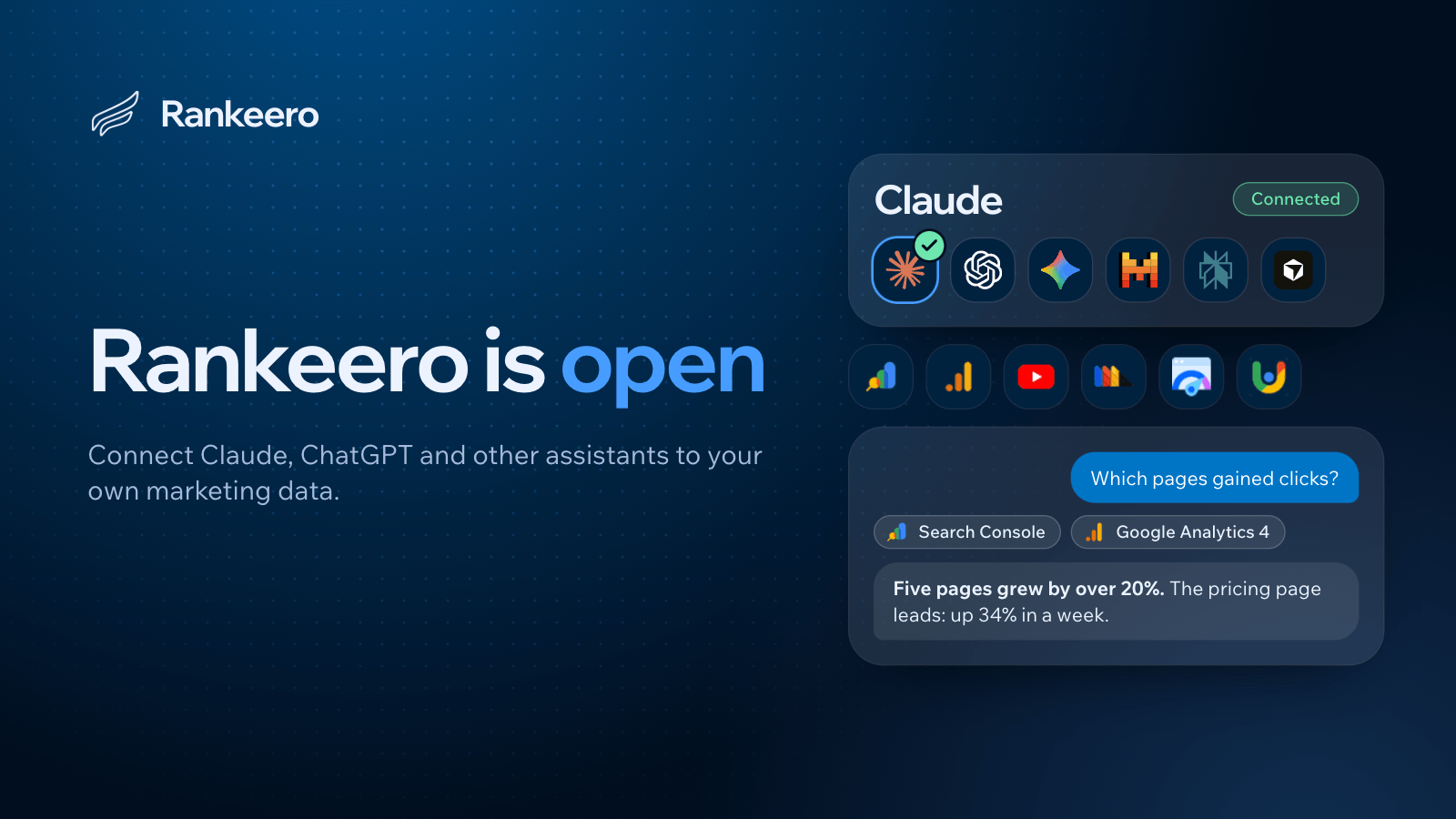
Rankeero gives Claude, ChatGPT and other MCP assistants read access to your Search Console, Google Analytics 4, YouTube and more, so you can ask questions about your own data. It is open today.
3 min read
Rankeero is open. If you use an AI assistant for SEO and marketing work, you can now connect your real data to it and ask questions about your own sites instead of SEO in general.
What Rankeero is
Rankeero is an MCP server: a secure bridge between your Google data and the AI assistant you already use. Each workspace gets its own private MCP endpoint, a single link you give to your assistant.
Through that link the assistant can read the sources you connected. It does the analysis; Rankeero gives it your data, and reads Search Console and Google Analytics 4 together so that it can cross them.
A workspace holds projects, one per brand or website. A project groups its sources: the Search Console properties, Google Analytics 4 properties, YouTube channels and other sources that belong to that brand.
Ask the questions you would ask a consultant:
- Which five pages can I push to page one this month, and what should I change on each?
- Why did my organic traffic drop last month?
- Write my monthly SEO report: what changed, why, and what we do next.
Who it is for
Agencies and marketers who already work with an AI assistant and want it to know their clients' real numbers. You do not need to be technical: you connect your accounts, then ask in plain English.
A workspace can track several websites, and the members you invite to a workspace pay nothing.
What you can connect
Each source is read through an account a member of the workspace connected.
SERP, Keywords, Backlinks and Technical SEO are coming soon.
Google Search Console and Google Analytics 4
Search Console brings clicks, impressions, click-through rate, average position and top queries. Google Analytics 4 brings sessions by channel, engagement and conversion rates. You pick your properties, and each becomes a project in your workspace.
YouTube and Gmail
YouTube channels are read-only. A Gmail mailbox can only be used by its owner, and it is opt-in: nobody else in the workspace, and none of their AI apps, can reach it.
PostHog
A PostHog project can be a source too, read through a connected PostHog account, so one conversation can cross product analytics with search and traffic data.
PDF reports
Your assistant can turn what it finds into a PDF report, laid out by Rankeero in a fixed style. The PDF is kept for a few days so you can download it, then deleted.
Works with your assistant
Claude and ChatGPT: paste your workspace's link and sign in. Claude Code and Codex take a few lines in a terminal. Other assistants that support MCP may work too. Nothing to install locally.
Your AI subscription is billed by its provider, separately from Rankeero, and custom connectors may require a paid plan depending on the assistant.
Today Rankeero gives your assistant the data, and it tells you what to fix. Drafting and publishing changes through your assistant's own CMS connectors is coming soon.
Getting started
Setup takes under three minutes:
- Sign in with Google, using the account that has access to your Search Console.
- Pick your properties. Each becomes a project in your workspace.
- Connect your assistant and ask your first question.
Plans
Every plan includes every tool. Plans differ by the number of workspaces you can create, and you can cancel anytime from your billing page. The current plans and prices are on the pricing page, in your currency.
See the plans
Connect Search Console, Google Analytics 4 and more to a workspace in under three minutes, then ask your first question.
View pricingYour data
- You connect through Google's official OAuth. Rankeero never sees or stores your Google password.
- Rankeero reads by default and changes nothing unless you allow it, for the connected account and for the app or key. Today the only changes are submitting or removing a sitemap in Search Console, and creating, sending or deleting Gmail drafts.
- Rankeero reads your data when your assistant asks, and does not store the reports, messages or videos it reads. It keeps the names and identifiers of the sources you choose.
- Your data is never sold and never used to train a model.
- Connections use TLS, and the tokens that let Rankeero read your accounts are encrypted at rest.
- You can disconnect a source in one click, or remove Rankeero's access from your Google or PostHog account at any time.
The details are in the Privacy Policy.
Ask your AI assistant about your own data.
Connect Search Console, Google Analytics 4 and more to a workspace in under three minutes, then ask your first question.
Discover Rankeero